The Casiny Casino App — A Real Player’s Experience on iOS and Android
There is no Casiny app in the App Store or Play Store. What there is: a mobile browser experience that we put through a month of real sessions on iPhone and Android. Here is what worked, what frustrated us, and whether it is good enough to be your go-to mobile casino.
When we started testing Casiny on mobile, the first thing we had to accept is that "app experience" means something different here than it does for a native iOS or Android application. Casiny does not exist in any app store. What it does have is a mobile-optimised site that — when added to your home screen — behaves enough like an app that most players will not notice the difference day-to-day. We spent a month testing that claim across two devices. Here is how it held up.
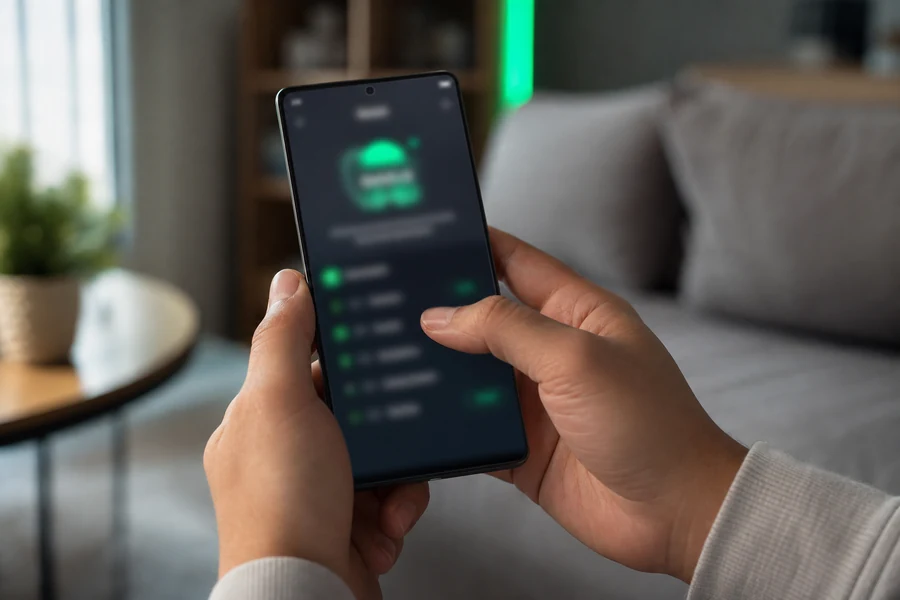
Installing the App: What the Process Was Like on Android
We used a mid-range Android handset running Android 13 with Chrome as the default browser. The process for getting a home-screen shortcut took about 45 seconds:
- Navigate to Casiny in Chrome
- Tap the three-dot menu in the top right of the browser
- Select "Add to Home Screen"
- Confirm the label (we left it as "Casiny") and tap "Add"
The icon appeared on the home screen immediately. On our Android handset, tapping it opened the site in a Chrome Custom Tab rather than a fully standalone window — which means you can see the browser address bar if you look for it, but it sits at the top and does not intrude on the game screen. This is a Chrome behaviour, not a Casiny issue, and it is a marginal difference for most players.
One thing we confirmed: there is no APK download process required for Casiny. Some offshore casino operators provide APK files for direct Android installation, which bypasses Google Play and requires enabling "install from unknown sources" — a security risk we always flag. Casiny's web-based approach avoids this entirely.
- No APK required — browser shortcut only, no "unknown sources" setting needed
- Chrome Custom Tab launch — browser bar visible at top but does not obstruct gameplay
- Setup time: approximately 45 seconds
- Works on Android 10 and above in our testing
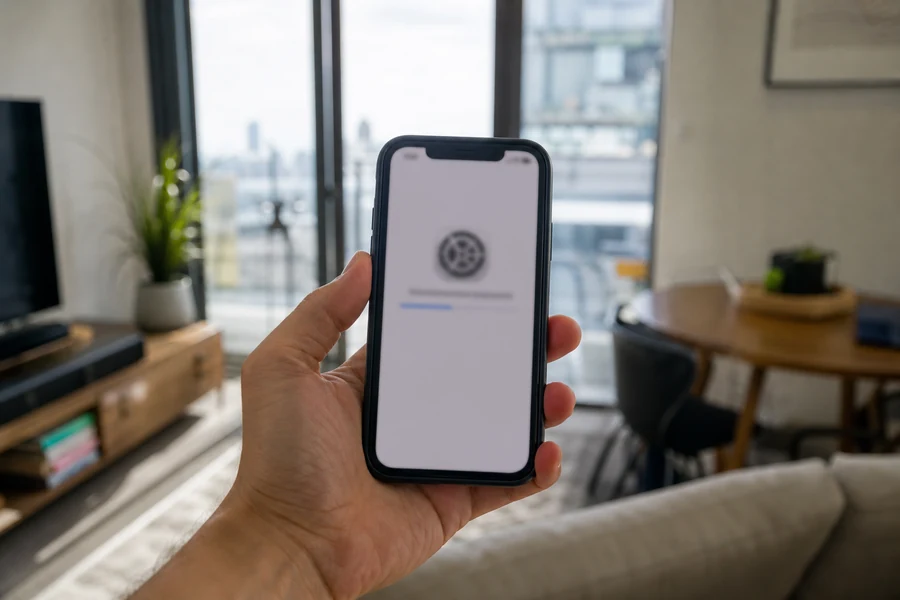
Installing the App: What the Process Was Like on iPhone
We tested on an iPhone running iOS 17 with Safari as the browser. The iOS installation experience is cleaner than Android — Apple has invested more in the Add to Home Screen pathway and it shows:
- Open Casiny in Safari (must be Safari — Chrome on iOS does not support fullscreen PWA launch)
- Tap the Share icon at the bottom of the screen (the square with an arrow pointing up)
- Scroll down in the share sheet and tap "Add to Home Screen"
- Confirm the name and tap "Add" in the top right
The key difference from Android: on iPhone via Safari, the home-screen launch opens Casiny in true fullscreen mode. No browser bar, no address bar, no navigation controls — just the casino interface edge-to-edge. This is the experience that most closely resembles a native app, and it is genuinely good. The Casiny interface fills the screen cleanly on both the standard and Pro iPhone screen sizes we tested.
- Must use Safari — Chrome on iOS does not support fullscreen home screen launch
- True fullscreen on iPhone — no browser chrome visible
- Face ID and Touch ID work for Safari autofill during login
- Setup time: approximately 30 seconds
First Time Opening the App: Impressions
The first launch after adding to the home screen on iPhone was smooth. The Casiny loading screen appeared immediately, the lobby was visible within about 2.5 seconds on Wi-Fi, and the layout had adapted to the iPhone screen size without any manual adjustment needed. The slot grid displayed four columns of tiles in portrait mode — the right density for a phone screen without tiles being too small to read.
On Android the first launch was functionally identical but the Chrome Tab header at the top took a moment of adjustment. Once we started playing, the tab bar receded and the experience became effectively fullscreen for practical purposes.
The lobby navigation on mobile collapses to a bottom navigation bar (on some views) and a hamburger-menu-style side rail. The category filters are accessible but require an extra tap compared to desktop. This is a standard trade-off for mobile layouts and Casiny's implementation is reasonably thought out — we did not find ourselves hunting for features that were obvious on desktop.

A Full Gaming Session on the Casiny App
We ran a structured 90-minute evening session on the iPhone, playing Wanted Dead or a Wild (Hacksaw Gaming) at AU$1 per spin, then switching to Gates of Olympus (Pragmatic Play) for the second half. Both games loaded in under 3 seconds from the lobby. The autoplay function was fully present on mobile — including the stop-on-win and stop-on-loss conditions — which is not universally the case across all operators' mobile implementations.
The Hacksaw Gaming interface on mobile is particularly well designed: the reel area fills the portrait screen almost entirely, the bet controls sit at the bottom within thumb reach, and the paytable is accessible via a dedicated button that opens as a bottom sheet rather than a new screen. The session felt as fluid as desktop, with no perceptible difference in spin animation quality.
Gates of Olympus on mobile in landscape mode was excellent — the wider view gave the scatter symbols more visual breathing room and the cascades were easier to follow. We do not always find Pragmatic Play titles as satisfying on mobile as on desktop (some have cramped info panels), but Gates of Olympus handled the portrait-to-landscape transition gracefully.
The live casino session on mobile — 20 minutes of Lightning Roulette — was where we had one minor issue: the video stream had a brief stutter at the 14-minute mark, lasting about 3 seconds, before recovering cleanly. This is almost certainly a network issue rather than a Casiny platform issue, but we note it in the interest of completeness.
| Date | Device | Session duration | Issues noted | Verdict |
|---|---|---|---|---|
| Week 1, Day 2 | iPhone (Safari) | 90 min — slots | None | Excellent |
| Week 1, Day 5 | Android (Chrome) | 60 min — slots | Chrome Tab bar visible | Good |
| Week 2, Day 3 | iPhone (Safari) | 45 min — live casino | 3-sec stream stutter (network) | Good |
| Week 2, Day 6 | Android (Chrome) | 75 min — slots + cashier | None | Good |
| Week 3, Day 1 | iPhone (Safari) | 120 min — slots | None | Excellent |
| Week 4, Day 4 | Android (Chrome) | 30 min — live casino | None | Good |
Making a Deposit Through the App — Smooth or Not?
We tested both a card deposit and a Bitcoin deposit from mobile. The card deposit on iPhone via Safari was seamless: the cashier screen adapted to portrait correctly, the card number field triggered a numeric keyboard automatically, and the 3D Secure authentication appeared as a native Safari overlay (not a redirect to a separate browser tab). The deposit confirmed in about 12 seconds.
On Android, the card deposit worked correctly but the 3D Secure prompt opened in a new Chrome Tab, which briefly broke the fullscreen feel of the session. Functionally identical, slightly less polished. The deposit still confirmed within 15 seconds.
The Bitcoin deposit on mobile required switching to a wallet app to scan the QR code — standard process. Casiny displays the deposit address as both a QR code and a copyable text string. We used the copy function to paste the address into our wallet app, which was faster than QR scanning on a single device. The deposit confirmed after one blockchain confirmation, approximately 9 minutes after broadcast.
Claiming a Bonus via the App
We claimed the Friday reload bonus through the mobile interface. The promotions section is accessible from the main menu — one tap from the lobby. The reload offer displayed with its full terms on a single screen without requiring us to expand or scroll excessively. The "Claim" button appeared at the bottom of the terms summary.
After depositing via mobile, the bonus activated automatically — the same behaviour as desktop. No additional steps, no claim confirmation email required. The cashier showed the updated bonus balance within seconds of the deposit confirming. Mobile bonus claiming is fully functional and no different from the desktop experience.
Contacting Support Through the App
The live chat widget is accessible on mobile from the help icon in the menu. We initiated a chat from the iPhone during a session. The chat window opened as an overlay on top of the lobby — importantly, it did not close our game or navigate away from the current page. We could see the chat alongside the paused slot game.
Response time on mobile chat was 2 minutes 10 seconds — within the range we experienced on desktop. The text input on iPhone worked well with the keyboard sliding up beneath the chat window without obscuring the message history. No usability complaints for the support experience on mobile.
Comparing the App to the Desktop Site
| Feature | Mobile app (browser) | Desktop site |
|---|---|---|
| Full slots catalogue | Yes | Yes |
| Live casino streaming | Yes (portrait + landscape) | Yes (fullscreen option) |
| Autoplay with stop conditions | Yes | Yes |
| Full cashier (all methods) | Yes | Yes |
| Bonus claiming | Yes | Yes |
| VIP dashboard | Yes (condensed view) | Yes (full view) |
| Live chat support | Yes (overlay, no page nav) | Yes (overlay) |
| Game search | Yes | Yes |
| Provider filter | Yes (one extra tap) | Yes (visible in sidebar) |
| Table game full view | Adequate — slightly cramped | Comfortable |
| True fullscreen experience | iPhone Safari: yes. Android: near | n/a |
The mobile experience is comprehensive. The gaps versus desktop are minor: the provider filter requires an extra tap, the VIP dashboard is condensed rather than full, and table games (blackjack, baccarat) feel slightly cramped on a 6-inch screen compared to a monitor. These are acceptable trade-offs, not missing features.
After a Month of Mobile Play: Would We Use It Again?
Yes, with one qualification: on iPhone. The Safari-based fullscreen experience is genuinely good — good enough that we chose it over desktop on several occasions during our test period when we were playing casually in the evening. The combination of fullscreen launch, fast load times and fully functional cashier made it a comfortable primary platform for slot sessions.
On Android, the experience is functional but slightly less seamless. The Chrome Tab bar is a persistent reminder that this is a website rather than an app. For most players this will not matter — the games run well and everything works correctly. But if you have strong preferences about the visual experience, iPhone/Safari is the better choice.
Moments of frustration across the month:
- Android Chrome Tab header — not fullscreen in the same way as iPhone Safari
- 3D Secure on Android opens in a new Chrome Tab briefly, breaking session flow
- The live casino lobby on mobile requires more scrolling than on desktop to browse available tables
- Landscape mode for slots requires manual screen rotation — no auto-rotate prompt from the app
- Session timeout appears faster on mobile than desktop if you switch apps briefly — the casino logs you out more aggressively on mobile, requiring a re-login
Final Verdict on the Casiny App
The absence of a native app is a limitation, but a less significant one than it would have been five years ago. The modern mobile browser experience at Casiny — particularly on iPhone Safari — covers everything a native app would deliver for the vast majority of casino use cases: game access, deposits, withdrawals, bonuses and support. The only genuine gap is the lack of push notifications, which a native app could theoretically provide for promotional alerts.
For Australian players who primarily play on iPhone, the Casiny mobile experience earns a solid recommendation. For Android players, it is a good experience with minor rough edges that are unlikely to be dealbreakers once you are in a slot session.
For the full casino experience beyond mobile, read the complete Casiny review. For slot performance specifically — including the titles that play best on small screens — see the slots experience page. For deposit and withdrawal specifics, those are covered in the main Casiny overview.